Asset Catalog Tinkerer
brew install --cask asset-catalog-tinkerer
v2.9
Browse/extract images from .car files
133
30-day installs · #1194
432
90-day · #1135
2.0k
365-day · #983
2.8k
★ GitHub stars · updated 5mo ago
GitHub topics
asset-catalog
developer-tools
ios
macos
objective-c
quicklook
quicklook-plugin
swift
Links
- https://github.com/insidegui/AssetCatalogTinkerer
- GitHub: insidegui/AssetCatalogTinkerer
- Brew formula source: Casks/a/asset-catalog-tinkerer.rb
Raw metadata
{
"alternatives": [],
"artifacts": [
{
"app": [
"Asset Catalog Tinkerer.app"
],
"target": "/Applications/Asset Catalog Tinkerer.app"
},
{
"zap": [
{
"trash": [
"~/Library/Application Support/com.apple.sharedfilelist/com.apple.LSSharedFileList.ApplicationRecentDocuments/br.com.guilhermerambo.asset-catalog-tinkerer.sfl*",
"~/Library/Preferences/br.com.guilhermerambo.Asset-Catalog-Tinkerer.plist"
]
}
]
}
],
"auto_updates": null,
"categories": [],
"deprecated": 0,
"deprecation_reason": null,
"desc": "Browse/extract images from .car files",
"disable_reason": null,
"disabled": 0,
"display_name": "Asset Catalog Tinkerer",
"enrichment_fetched_at": "2026-06-20T22:40:42+00:00",
"first_seen": "2026-06-20T00:47:34+00:00",
"full_token": "asset-catalog-tinkerer",
"github_default_branch": "main",
"github_last_commit_at": "2026-04-27T12:33:25Z",
"github_readme_excerpt": "## Asset Catalog Tinkerer\n\nAsset Catalog Tinkerer lets you open asset catalog files (`.car`) and view the images that they contain. You can also copy and export individual images out or export all images from an asset catalog.\n\n[\u2b07 Download and contribute with any amount on Gumroad](https://insidegui.gumroad.com/l/AssetCatalogTinkerer)\n\n[\u2b07 Download Latest Release](https://github.com/insidegui/AssetCatalogTinkerer/raw/main/releases/AssetCatalogTinkerer_latest.zip)\n\nYou can also install it with [Homebrew](https://brew.sh) by running `brew install asset-catalog-tinkerer`!\n\n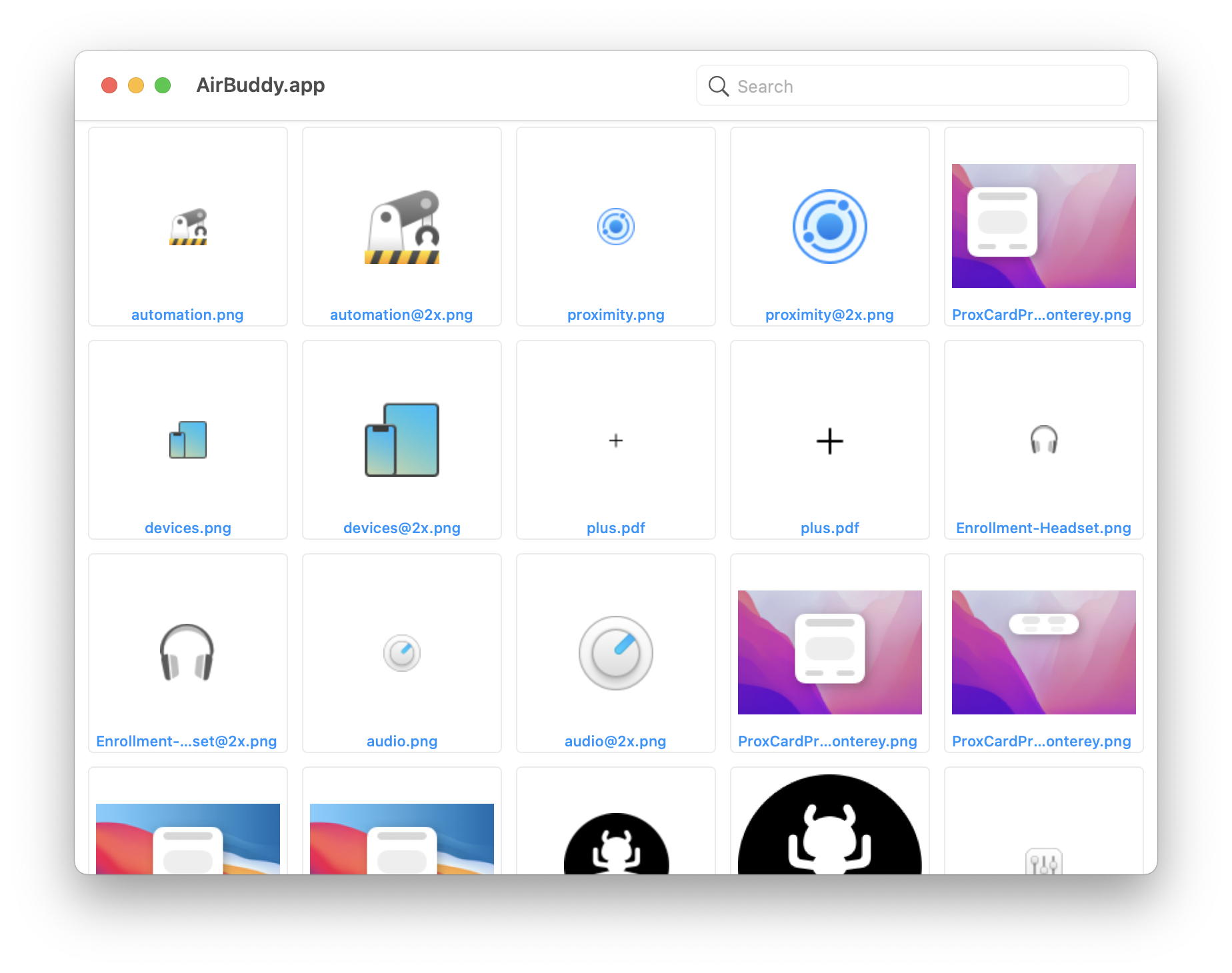\n\n### Unsupported Asset Types\n\nAsset Catalog Tinkerer was designed with images in mind, so it doesn\u0027t support some of the more modern asset catalog features, such as colors. It may or may not be updated in the future to support those.\n\n### QuickLook PlugIn\n\nThe app also includes a QuickLook PlugIn so you can see previews of asset catalogs in QuickLook.\n\n\n\n---\n\n### How to use\n\nThe app can open any `.car` file, usually located within an app\u0027s `Resources` directory.\n\nOnce you have an asset catalog opened, you can drag individual assets out or export the entire catalog / selected images to a directory.\n\n### Supported file types\n\nSince version 2.2, Asset Catalog Tinkerer can now read theme store files, not only catalog files.\n\nTheme store files contain assets for UI components, you can find examples of them in `/System/Library/CoreServices/SystemAppearance.bundle`. The app also supports ProKit\u0027s theme stores found inside `ProKit.framework`, `LunaKit.framework` and other folders within pro apps.\n\n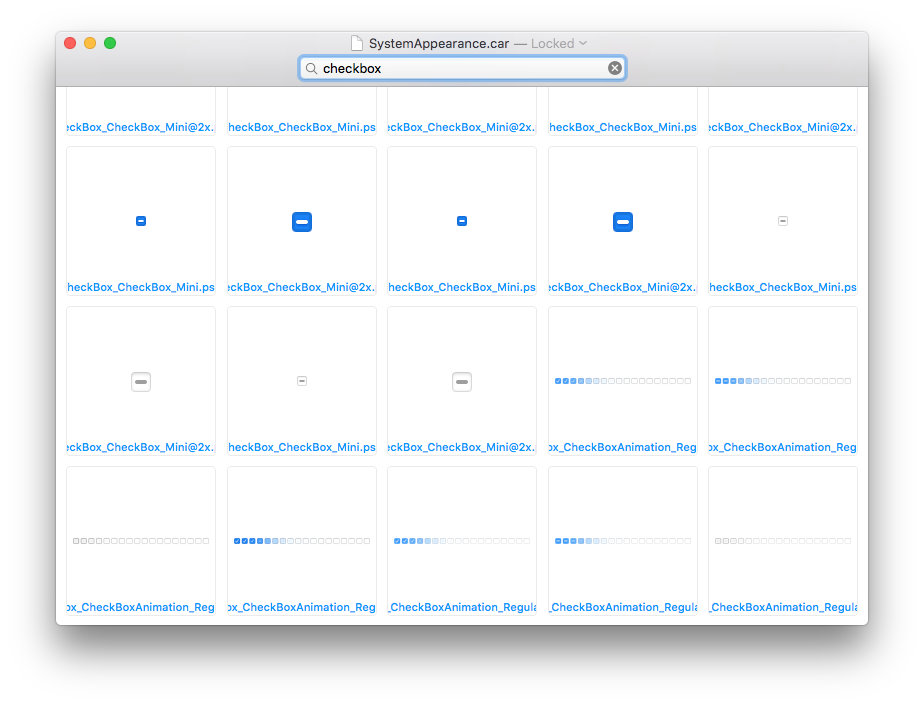\n",
"github_repo": "insidegui/AssetCatalogTinkerer",
"github_stars": 2840,
"github_topics": [
"asset-catalog",
"developer-tools",
"ios",
"macos",
"objective-c",
"quicklook",
"quicklook-plugin",
"swift"
],
"homepage": "https://github.com/insidegui/AssetCatalogTinkerer",
"homepage_og_description": null,
"homepage_og_image": null,
"homepage_title": null,
"installs_30d": 133,
"installs_365d": 1989,
"installs_90d": 432,
"last_seen": "2026-06-20T00:47:34+00:00",
"llm_generated_at": null,
"llm_model": null,
"names": [
"Asset Catalog Tinkerer"
],
"one_liner": null,
"rank_30d": 1194,
"rank_365d": 983,
"rank_90d": 1135,
"raw_hash": "c63a975bb5334e82",
"ruby_source_path": "Casks/a/asset-catalog-tinkerer.rb",
"tap": "homebrew/cask",
"token": "asset-catalog-tinkerer",
"version": "2.9",
"why_use_this": null
}