Homerow
brew install --cask homerow
v1.5.3
Assigns keyboard shortcuts to any button or interface element on screen for mouse-free navigation.
Why you might care
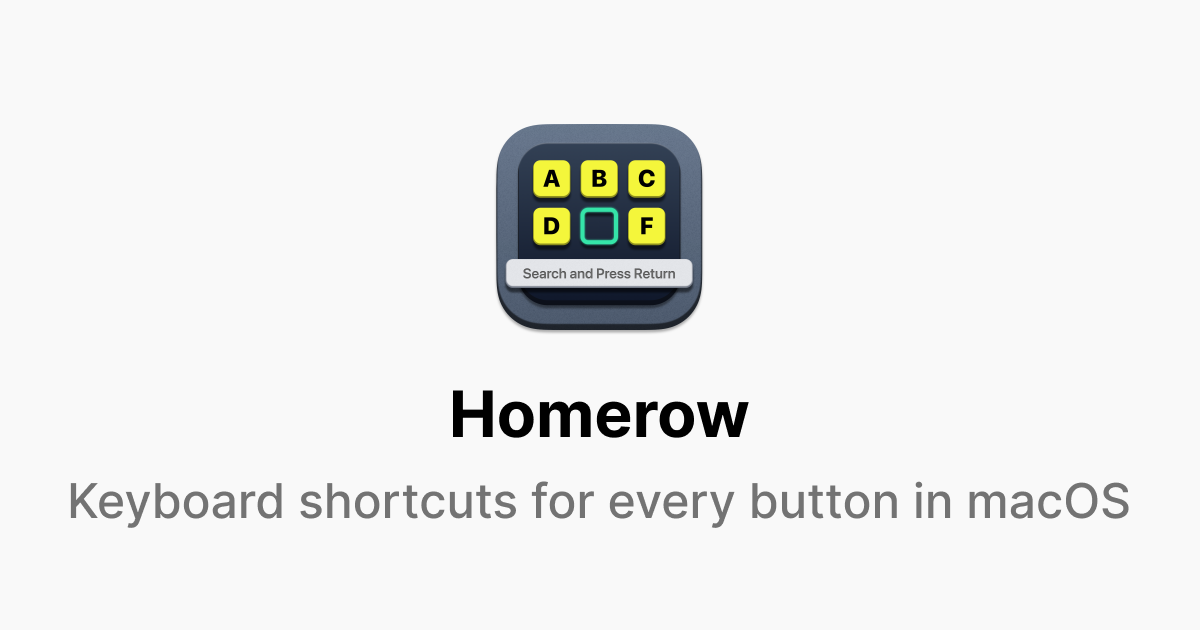
Homerow lets you control macOS apps with keyboard shortcuts instead of reaching for the mouse, making it faster for power users and those who prefer keyboard-driven workflows. It works universally across apps by labeling clickable elements on screen, similar to browser extensions like Vimium.
240
30-day installs · #801
651
90-day · #864
2.9k
365-day · #775
Links
- https://www.homerow.app/
- Brew formula source: Casks/h/homerow.rb
Blurb generated by claude-haiku-4-5 on 4mo ago.
Raw metadata
{
  "alternatives": [
    "Vimium",
    "Homerow",
    "Actionsmiths"
  ],
  "artifacts": [
    {
      "app": [
        "Homerow.app"
      ],
      "target": "/Applications/Homerow.app"
    },
    {
      "zap": [
        {
          "trash": [
            "~/Library/Application Scripts/com.superultra.HomerowLauncher",
            "~/Library/Application Support/com.superultra.Homerow",
            "~/Library/Caches/com.superultra.Homerow",
            "~/Library/HTTPStorages/com.superultra.Homerow",
            "~/Library/Preferences/com.superultra.Homerow.plist",
            "~/Library/Saved Application State/com.superultra.Homerow.savedState"
          ]
        }
      ]
    }
  ],
  "auto_updates": 1,
  "categories": [
    "productivity",
    "launcher"
  ],
  "deprecated": 0,
  "deprecation_reason": null,
  "desc": "Keyboard shortcuts for every button on your screen",
  "disable_reason": null,
  "disabled": 0,
  "display_name": "Homerow",
  "enrichment_fetched_at": "2026-06-20T22:44:57+00:00",
  "first_seen": "2026-06-20T00:47:34+00:00",
  "full_token": "homerow",
  "github_default_branch": null,
  "github_last_commit_at": null,
  "github_readme_excerpt": null,
  "github_repo": null,
  "github_stars": null,
  "github_topics": [],
  "homepage": "https://www.homerow.app/",
  "homepage_og_description": "Homerow lets you navigate macOS with more keyboard and less mouse.",
  "homepage_og_image": "https://homerow.app/og-main.png",
  "homepage_title": "Homerow \u2014 Keyboard shortcuts for every button in macOS",
  "installs_30d": 240,
  "installs_365d": 2892,
  "installs_90d": 651,
  "last_seen": "2026-06-20T00:47:34+00:00",
  "llm_generated_at": "2026-06-20T23:05:37+00:00",
  "llm_model": "claude-haiku-4-5",
  "names": [
    "Homerow"
  ],
  "one_liner": "Assigns keyboard shortcuts to any button or interface element on screen for mouse-free navigation.",
  "rank_30d": 801,
  "rank_365d": 775,
  "rank_90d": 864,
  "raw_hash": "7024ed2be3b1e32b",
  "ruby_source_path": "Casks/h/homerow.rb",
  "tap": "homebrew/cask",
  "token": "homerow",
  "version": "1.5.3",
  "why_use_this": "Homerow lets you control macOS apps with keyboard shortcuts instead of reaching for the mouse, making it faster for power users and those who prefer keyboard-driven workflows. It works universally across apps by labeling clickable elements on screen, similar to browser extensions like Vimium."
}