Keypad Layout
brew install --cask keypad-layout
v1.12
Utility to control window layout using the Ctrl key and the numeric keypad
1
30-day installs · #10385
2
90-day · #10526
24
365-day · #8023
484
★ GitHub stars · updated 2y ago
GitHub topics
keypad
macos
numpad
window-manager
Links
- https://github.com/janten/keypad-layout
- GitHub: janten/keypad-layout
- Brew formula source: Casks/k/keypad-layout.rb
Raw metadata
{
"alternatives": [],
"artifacts": [
{
"app": [
"Keypad Layout.app"
],
"target": "/Applications/Keypad Layout.app"
},
{
"zap": [
{
"trash": "~/Library/Preferences/com.jan-gerd.keypad-layout.plist"
}
]
}
],
"auto_updates": null,
"categories": [],
"deprecated": 0,
"deprecation_reason": null,
"desc": "Utility to control window layout using the Ctrl key and the numeric keypad",
"disable_reason": null,
"disabled": 0,
"display_name": "Keypad Layout",
"enrichment_fetched_at": "2026-06-20T22:45:33+00:00",
"first_seen": "2026-06-20T00:47:34+00:00",
"full_token": "keypad-layout",
"github_default_branch": "master",
"github_last_commit_at": "2024-01-24T13:59:50Z",
"github_readme_excerpt": "# Keypad Layout\nControl window layout using Ctrl + Numeric Keypad on macOS. Press two number keys in a row while holding down Ctrl to select the new window frame on a 3x3 grid.\n\n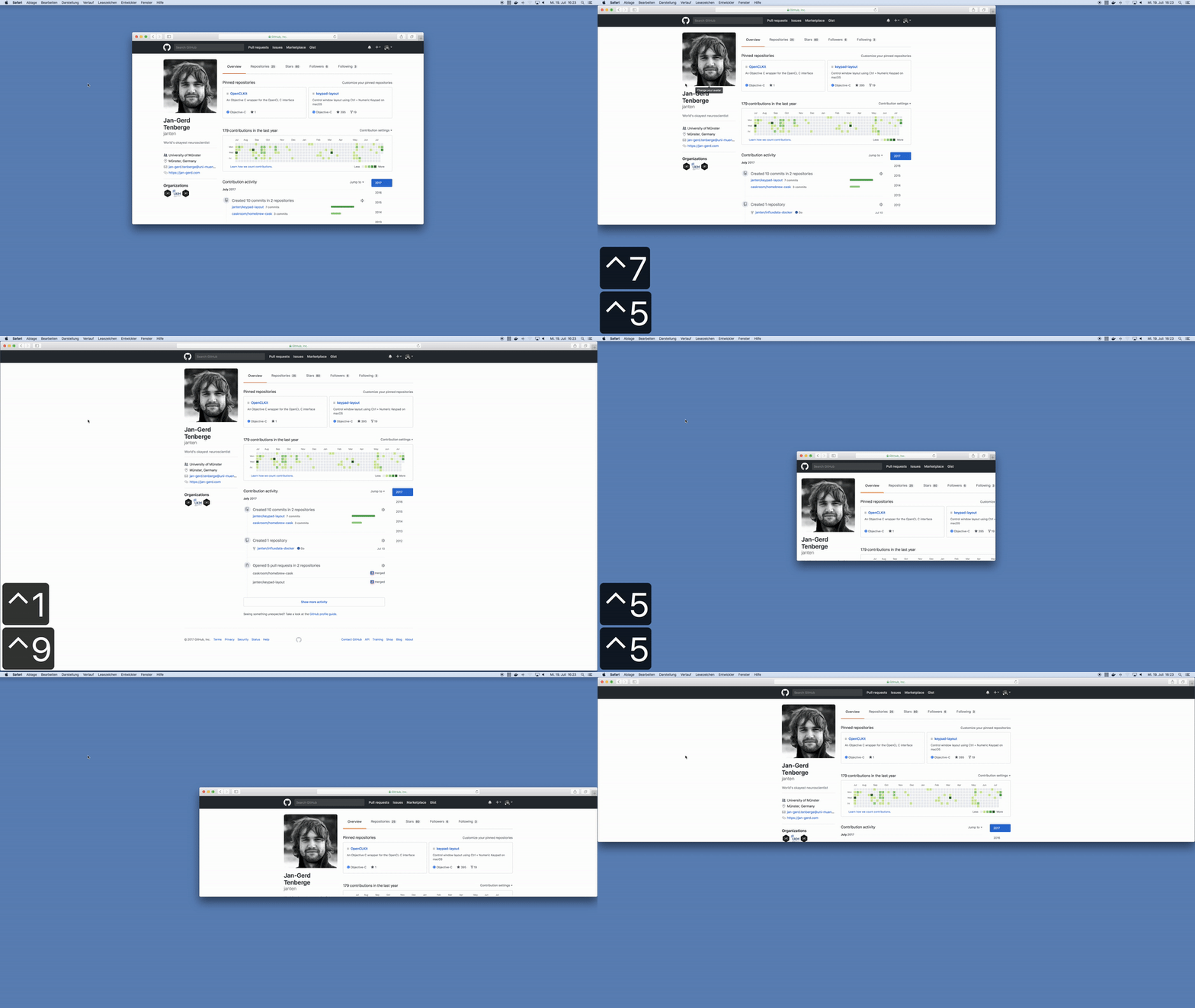\n\n## Installation\nHomebrew users can simply `brew install keypad-layout`. Compiled versions are also available for download from [releases](https://github.com/janten/keypad-layout/releases).\n\n## Examples\n| `Ctrl` + | Result |\n| :----------- | :--------------- |\n| `1` then `9` | Full Screen |\n| `7` then `9` | Top Row |\n| `1` then `3` | Bottom Row |\n| `3` then `1` | Bottom Row |\n| `8` then `3` | Right Two Thirds |\n| `0` then `4` | Left Half, Full Height |\n| `0` then `6` | Right Half, Full Height |\n| `0` then `2` | Bottom Half, Full Width |\n| `0` then `8` | Top Half, Full Width |\n\n## Reference\nIf you use a MacBook and forgot the layout of the numeric keypad, refer to the table below for the grid layout.\n\n \u2554\u2550\u2550\u2550\u2566\u2550\u2550\u2550\u2566\u2550\u2550\u2550\u2557\n \u2551 7 \u2551 8 \u2551 9 \u2551\n \u2560\u2550\u2550\u2550\u256c\u2550\u2550\u2550\u256c\u2550\u2550\u2550\u2563\n \u2551 4 \u2551 5 \u2551 6 \u2551\n \u2560\u2550\u2550\u2550\u256c\u2550\u2550\u2550\u256c\u2550\u2550\u2550\u2563\n \u2551 1 \u2551 2 \u2551 3 \u2551\n \u255a\u2550\u2550\u2550\u2569\u2550\u2550\u2550\u2569\u2550\u2550\u2550\u255d\n\n## Attributions\nThe application and menu bar icons are derived from [numpad](https://thenounproject.com/term/numpad/801826/) by [J\u00e1n Slobodn\u00edk](https://thenounproject.com/janslobodnik/) from the [Noun Project](https://thenounproject.com/), available under the [Creative Commons Attribution](https://creativecommons.org/licenses/by/3.0/us/) license.\n",
"github_repo": "janten/keypad-layout",
"github_stars": 484,
"github_topics": [
"keypad",
"macos",
"numpad",
"window-manager"
],
"homepage": "https://github.com/janten/keypad-layout",
"homepage_og_description": null,
"homepage_og_image": null,
"homepage_title": null,
"installs_30d": 1,
"installs_365d": 24,
"installs_90d": 2,
"last_seen": "2026-06-20T00:47:34+00:00",
"llm_generated_at": null,
"llm_model": null,
"names": [
"Keypad Layout"
],
"one_liner": null,
"rank_30d": 10385,
"rank_365d": 8023,
"rank_90d": 10526,
"raw_hash": "75ee8e97ab660ada",
"ruby_source_path": "Casks/k/keypad-layout.rb",
"tap": "homebrew/cask",
"token": "keypad-layout",
"version": "1.12",
"why_use_this": null
}