MacDroid
brew install --cask macdroid
v2.9.1
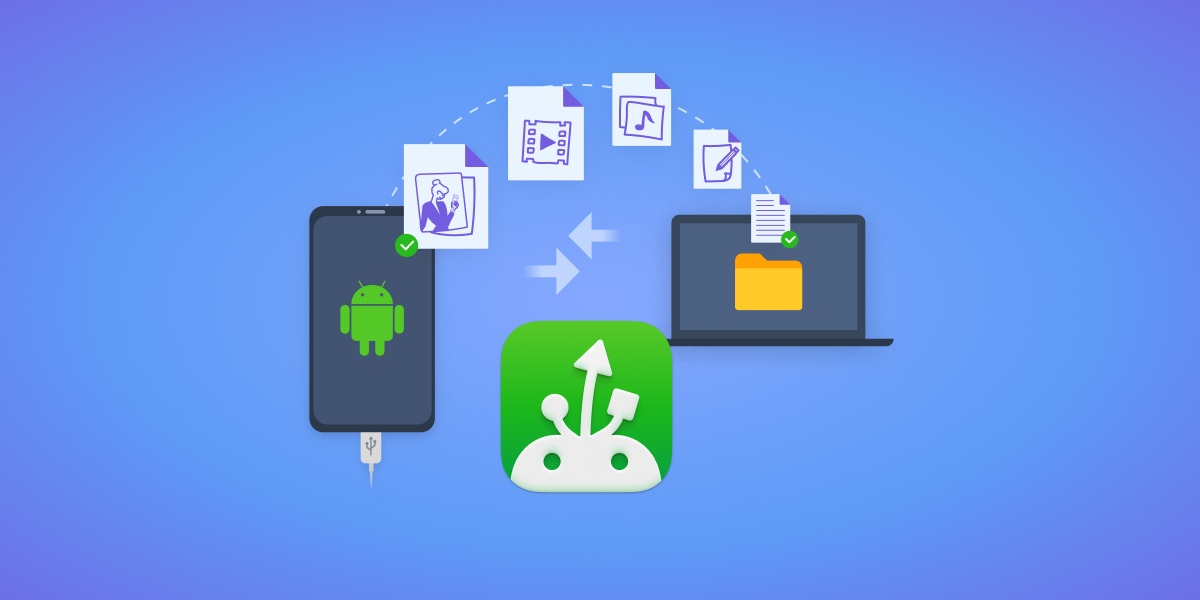
Transfer files and manage Android devices from your Mac via USB or Wi-Fi.
Why you might care
MacDroid provides a lightweight, native way to connect Android phones to macOS without relying on cloud services or complex setup. It handles file transfers, device management, and syncing through a simple interface—useful if you regularly work with Android devices from your Mac.
200
30-day installs · #904
610
90-day · #898
2.2k
365-day · #935
Links
- https://www.macdroid.app/
- Brew formula source: Casks/m/macdroid.rb
Blurb generated by claude-haiku-4-5 on 4mo ago.
Raw metadata
{
  "alternatives": [
    "Android File Transfer",
    "Snapdrop",
    "AnyTrans"
  ],
  "artifacts": [
    {
      "app": [
        "MacDroid.app"
      ],
      "target": "/Applications/MacDroid.app"
    },
    {
      "zap": [
        {
          "trash": [
            "~/Library/Application Scripts/us.electronic.macdroid.AFTFinderSync",
            "~/Library/Application Support/MacDroid",
            "~/Library/Application Support/us.electronic.macdroid",
            "~/Library/Caches/us.electronic.macdroid",
            "~/Library/Containers/us.electronic.macdroid.AFTFinderSync",
            "~/Library/Group Containers/XS85JU6YZ3.us.electronic.macdroid",
            "~/Library/HTTPStorages/us.electronic.macdroid.binarycookies",
            "~/Library/Logs/MacDroid.log",
            "~/Library/Preferences/us.electronic.macdroid.plist"
          ]
        }
      ]
    }
  ],
  "auto_updates": 1,
  "categories": [
    "file-transfer",
    "system-utility"
  ],
  "deprecated": 0,
  "deprecation_reason": null,
  "desc": "Connect to your Android devices",
  "disable_reason": null,
  "disabled": 0,
  "display_name": "MacDroid",
  "enrichment_fetched_at": "2026-06-20T22:46:04+00:00",
  "first_seen": "2026-06-20T00:47:34+00:00",
  "full_token": "macdroid",
  "github_default_branch": null,
  "github_last_commit_at": null,
  "github_readme_excerpt": null,
  "github_repo": null,
  "github_stars": null,
  "github_topics": [],
  "homepage": "https://www.macdroid.app/",
  "homepage_og_description": "If you are looking for a stable and smooth solution to connect Android to Mac, try MacDroid \u2013 a lightweight app to transfer files between Mac and Android.",
  "homepage_og_image": "https://www.macdroid.app/images/upload/icons/electronic/article@1x1.jpg",
  "homepage_title": "Connect Android to Mac easily (USB, Wi-Fi) | MacDroid app",
  "installs_30d": 200,
  "installs_365d": 2161,
  "installs_90d": 610,
  "last_seen": "2026-06-20T00:47:34+00:00",
  "llm_generated_at": "2026-06-20T23:06:04+00:00",
  "llm_model": "claude-haiku-4-5",
  "names": [
    "MacDroid"
  ],
  "one_liner": "Transfer files and manage Android devices from your Mac via USB or Wi-Fi.",
  "rank_30d": 904,
  "rank_365d": 935,
  "rank_90d": 898,
  "raw_hash": "61a851c5033713f6",
  "ruby_source_path": "Casks/m/macdroid.rb",
  "tap": "homebrew/cask",
  "token": "macdroid",
  "version": "2.9.1",
  "why_use_this": "MacDroid provides a lightweight, native way to connect Android phones to macOS without relying on cloud services or complex setup. It handles file transfers, device management, and syncing through a simple interface\u2014useful if you regularly work with Android devices from your Mac."
}