RWTS PDFwriter
brew install --cask rwts-pdfwriter
v3.1c
Print driver for printing documents directly to a pdf file
76
30-day installs · #1620
277
90-day · #1457
930
365-day · #1512
1.2k
★ GitHub stars · updated 1y ago
Links
- https://github.com/rodyager/RWTS-PDFwriter
- GitHub: rodyager/RWTS-PDFwriter
- Brew formula source: Casks/r/rwts-pdfwriter.rb
Raw metadata
{
"alternatives": [],
"artifacts": [
{
"uninstall": [
{
"script": {
"executable": "/Library/Printers/RWTS/PDFwriter/uninstall",
"sudo": true
}
}
]
},
{
"pkg": [
"RWTS-PDFwriter.pkg"
]
}
],
"auto_updates": null,
"categories": [],
"deprecated": 0,
"deprecation_reason": null,
"desc": "Print driver for printing documents directly to a pdf file",
"disable_reason": null,
"disabled": 0,
"display_name": "RWTS PDFwriter",
"enrichment_fetched_at": "2026-06-20T22:49:07+00:00",
"first_seen": "2026-06-20T00:47:34+00:00",
"full_token": "rwts-pdfwriter",
"github_default_branch": "master",
"github_last_commit_at": "2025-09-09T02:27:18Z",
"github_readme_excerpt": "# RWTS PDFwriter\n\u0026copy; 2016-2023 Rodney I. Yager\n\nAn OSX print to pdf-file printer driver\n\n### [ Click to download the installer pkg](https://github.com/rodyager/RWTS-PDFwriter/releases/latest/download/RWTS-PDFwriter.pkg)\n\n## About RWTS PDFwriter\n**RWTS PDFwriter** is an OSX 11.0+ compatible print driver that enables you to \u201cprint\u201d your documents directly to a pdf file. It has similar functionality to [CutePDF](http://www.cutepdf.com) on Windows. \n\nThe provided installer installs a universal binary compatible with both Intel and Apple Silicon processors. \n\n## Installation and Usage Instructions\nDownload the installer package by clicking on the printer icon above and install as usual. The installer will open the **PDFWriter Utility** app which lets you create a destination folder for the PDFs you print. (You need to Quit the Utility after creating the destination folder to complete the installation.)\n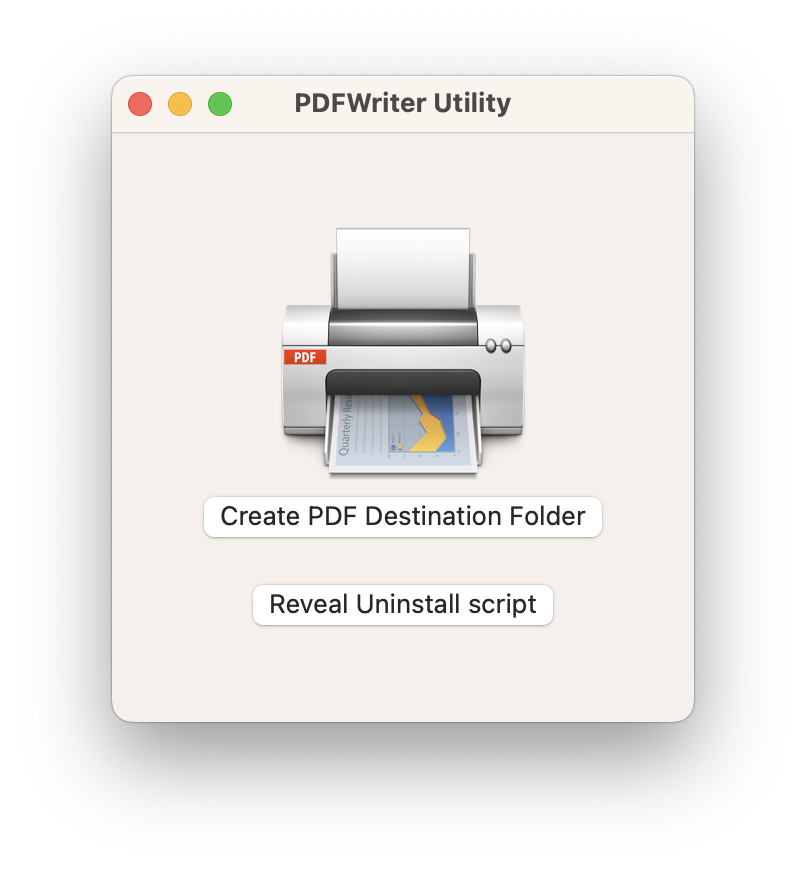\n\nOther users can access this utility to create their own print destination from the ` Options \u0026 Supplies ` button for the printer in ` System Preferences \u003e Printers \u0026 Scanners `\n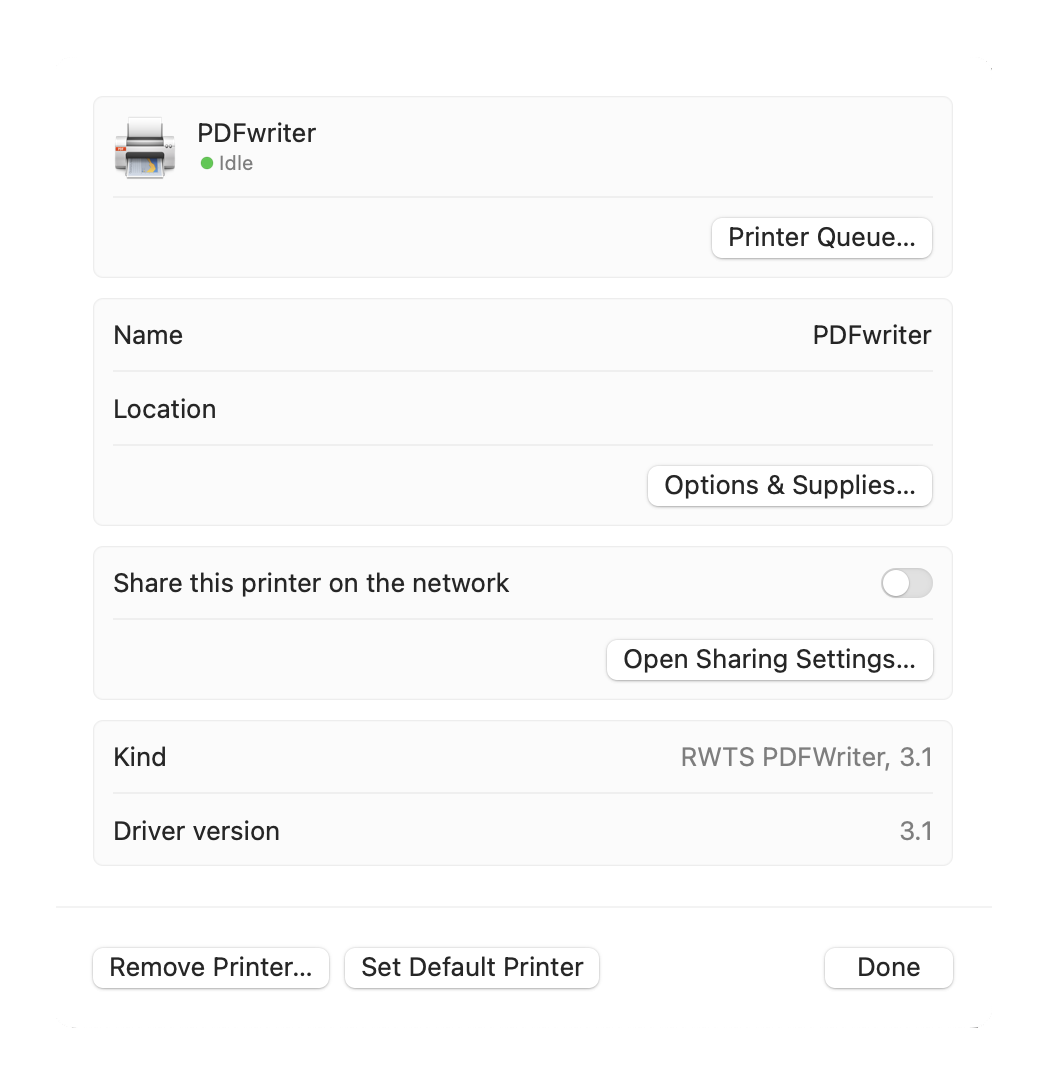\n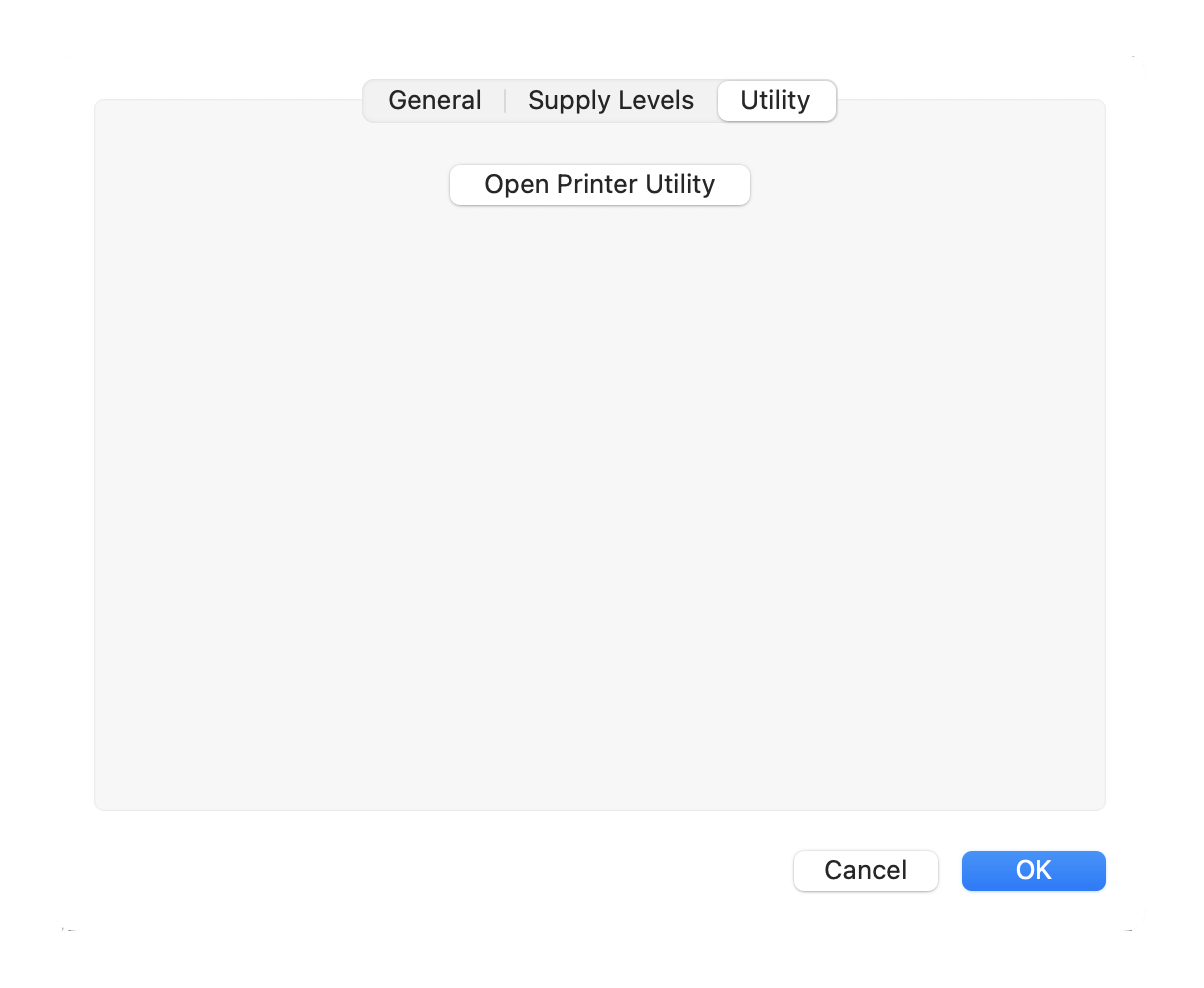 \nAfter installation, your new printer will be ready for use.\n\n### Usage\n\nSimply print your documents using **PDFwriter** as your printer. \n\nThe \u201cprinted\u201d PDF files produced will be stored in the directory you created on installation. `\n\n\n## Removal instructions\nIf you want to uninstall **PDFwriter**, open the **PDFWriter Utility** (see above)and click the button to reveal the ` uninstall ` script. Whe",
"github_repo": "rodyager/RWTS-PDFwriter",
"github_stars": 1172,
"github_topics": [],
"homepage": "https://github.com/rodyager/RWTS-PDFwriter",
"homepage_og_description": null,
"homepage_og_image": null,
"homepage_title": null,
"installs_30d": 76,
"installs_365d": 930,
"installs_90d": 277,
"last_seen": "2026-06-20T00:47:34+00:00",
"llm_generated_at": null,
"llm_model": null,
"names": [
"RWTS PDFwriter"
],
"one_liner": null,
"rank_30d": 1620,
"rank_365d": 1512,
"rank_90d": 1457,
"raw_hash": "03fbd235f01d241c",
"ruby_source_path": "Casks/r/rwts-pdfwriter.rb",
"tap": "homebrew/cask",
"token": "rwts-pdfwriter",
"version": "3.1c",
"why_use_this": null
}