cargo-instruments
brew install cargo-instruments
v0.4.17
MIT
Easily generate Instruments traces for your rust crate
122
30-day installs · #3213
332
90-day · #3387
868
365-day · #4053
811
★ GitHub stars · updated 4mo ago
Runtime dependencies
Build dependencies
GitHub topics
cargo
cargo-plugin
profiling
rust-tools
Links
- https://github.com/cmyr/cargo-instruments
- GitHub: cmyr/cargo-instruments
- Brew formula source: Formula/c/cargo-instruments.rb
Raw metadata
{
"aliases": [],
"alternatives": [],
"build_dependencies": [
"rust"
],
"categories": [],
"caveats": null,
"conflicts_with": [],
"dependencies": [
"openssl@4"
],
"deprecated": 0,
"deprecation_reason": null,
"desc": "Easily generate Instruments traces for your rust crate",
"disable_reason": null,
"disabled": 0,
"enrichment_fetched_at": "2026-06-20T23:36:09+00:00",
"first_seen": "2026-06-20T23:34:18+00:00",
"full_name": "cargo-instruments",
"github_default_branch": "main",
"github_last_commit_at": "2026-06-04T22:32:47Z",
"github_readme_excerpt": "# cargo-instruments\n\nEasily profile your rust crate with Xcode [Instruments].\n\n`cargo-instruments` is the glue between Cargo and Xcode\u0027s bundled profiling\nsuite. It allows you to easily profile any binary in your crate, generating\nfiles that can be viewed in the Instruments app.\n\n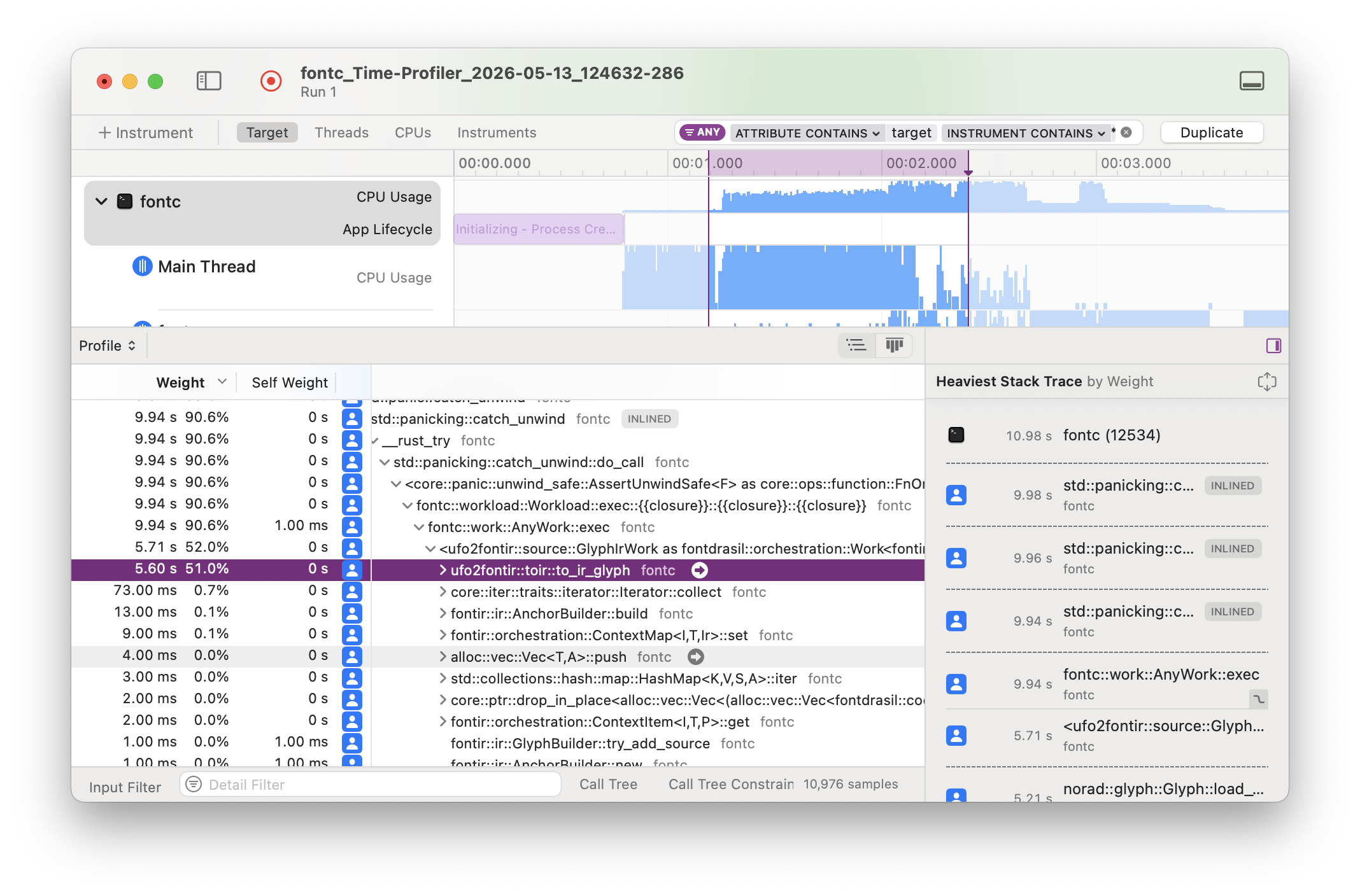\n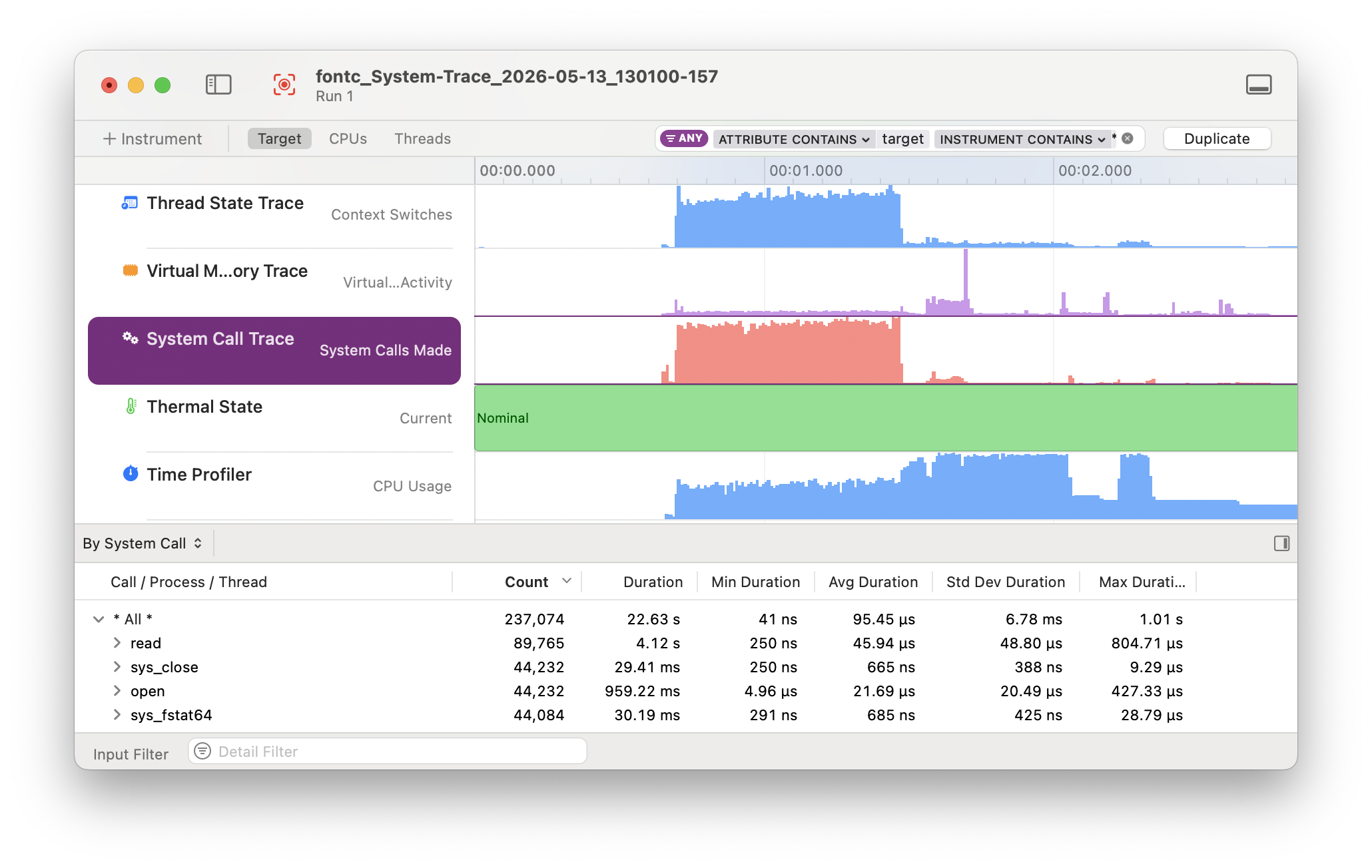\n\n## Pre-requisites\n\n### Xcode Instruments\n\nThis crate only works on macOS because it uses [Instruments] for profiling\nand creating the trace file. The benefit is that Instruments provides great\ntemplates and UI to explore the Profiling Trace.\n\nTo install Instruments, install Xcode from the App Store. (The Command Line Tools\nyou might have already installed while setting up Rust are not sufficient.)\n\nVerify that install by running `xctrace`. It should print help output.\n\nIf you see an error about the active developer directory, check the path\nprinted by `xcode-select --print-path`. It should look as follows:\n\n```sh\n$ xcode-select --print-path\n/Applications/Xcode.app/Contents/Developer\n```\n\nIf not, this command will reset the path:\n\n```sh\n$ sudo xcode-select --reset\n```\n\n### Compatibility\n\nThis crate works on macOS 10.13+. In practice, it transparently detects and\nuses the appropriate Xcode Instruments version based on your macOS version:\neither `/usr/bin/instruments` on older macOS, or starting with macOS 10.15, the\nnew `xcrun xctrace`.\n\n## Installation\n\n### brew\n\nThe simplest way to install is via Homebrew:\n\n```sh\n$ brew install cargo-instruments\n```\n\nAlternatively, you can install from source.\n\n### Building from Source\n\nFirst, ensure that you are running macOS, with Cargo, Xcode, and the Xcode\nCommand Line Tools installed.\n\nIf OpenSSL is installed (e.g., via `brew`), then install with\n\n```sh\n$ cargo install cargo-instruments\n```\n\nIf OpenSSL is not ins",
"github_repo": "cmyr/cargo-instruments",
"github_stars": 811,
"github_topics": [
"cargo",
"cargo-plugin",
"profiling",
"rust-tools"
],
"homepage": "https://github.com/cmyr/cargo-instruments",
"homepage_og_description": null,
"homepage_og_image": null,
"homepage_title": null,
"installs_30d": 122,
"installs_365d": 868,
"installs_90d": 332,
"keg_only": 0,
"keg_only_reason": null,
"last_seen": "2026-06-20T23:34:18+00:00",
"license": "MIT",
"llm_generated_at": null,
"llm_model": null,
"name": "cargo-instruments",
"oldnames": [],
"one_liner": null,
"optional_dependencies": [],
"rank_30d": 3213,
"rank_365d": 4053,
"rank_90d": 3387,
"raw_hash": "3f9edf470a98190c",
"recommended_dependencies": [],
"revision": 0,
"ruby_source_path": "Formula/c/cargo-instruments.rb",
"tap": "homebrew/core",
"test_dependencies": [],
"uses_from_macos": [],
"version_head": null,
"version_stable": "0.4.17",
"versioned_formulae": [],
"why_use_this": null
}