clib
brew install clib
v2.8.7
MIT
Package manager for C programming
4
30-day installs · #11086
17
90-day · #10182
119
365-day · #8728
5.1k
★ GitHub stars · updated 1y ago
GitHub topics
c
clib
manager
package
Links
- https://github.com/clibs/clib
- GitHub: clibs/clib
- Brew formula source: Formula/c/clib.rb
Raw metadata
{
"aliases": [],
"alternatives": [],
"build_dependencies": [],
"categories": [],
"caveats": null,
"conflicts_with": [],
"dependencies": [],
"deprecated": 0,
"deprecation_reason": null,
"desc": "Package manager for C programming",
"disable_reason": null,
"disabled": 0,
"enrichment_fetched_at": "2026-06-20T23:36:26+00:00",
"first_seen": "2026-06-20T23:34:18+00:00",
"full_name": "clib",
"github_default_branch": "master",
"github_last_commit_at": "2025-10-11T03:12:52Z",
"github_readme_excerpt": "# clib(1)\n\n \n [](https://www.codacy.com/gh/clibs/clib?utm_source=github.com\u0026amp;utm_medium=referral\u0026amp;utm_content=clibs/clib\u0026amp;utm_campaign=Badge_Grade)\n\n Package manager for the C programming language.\n\n 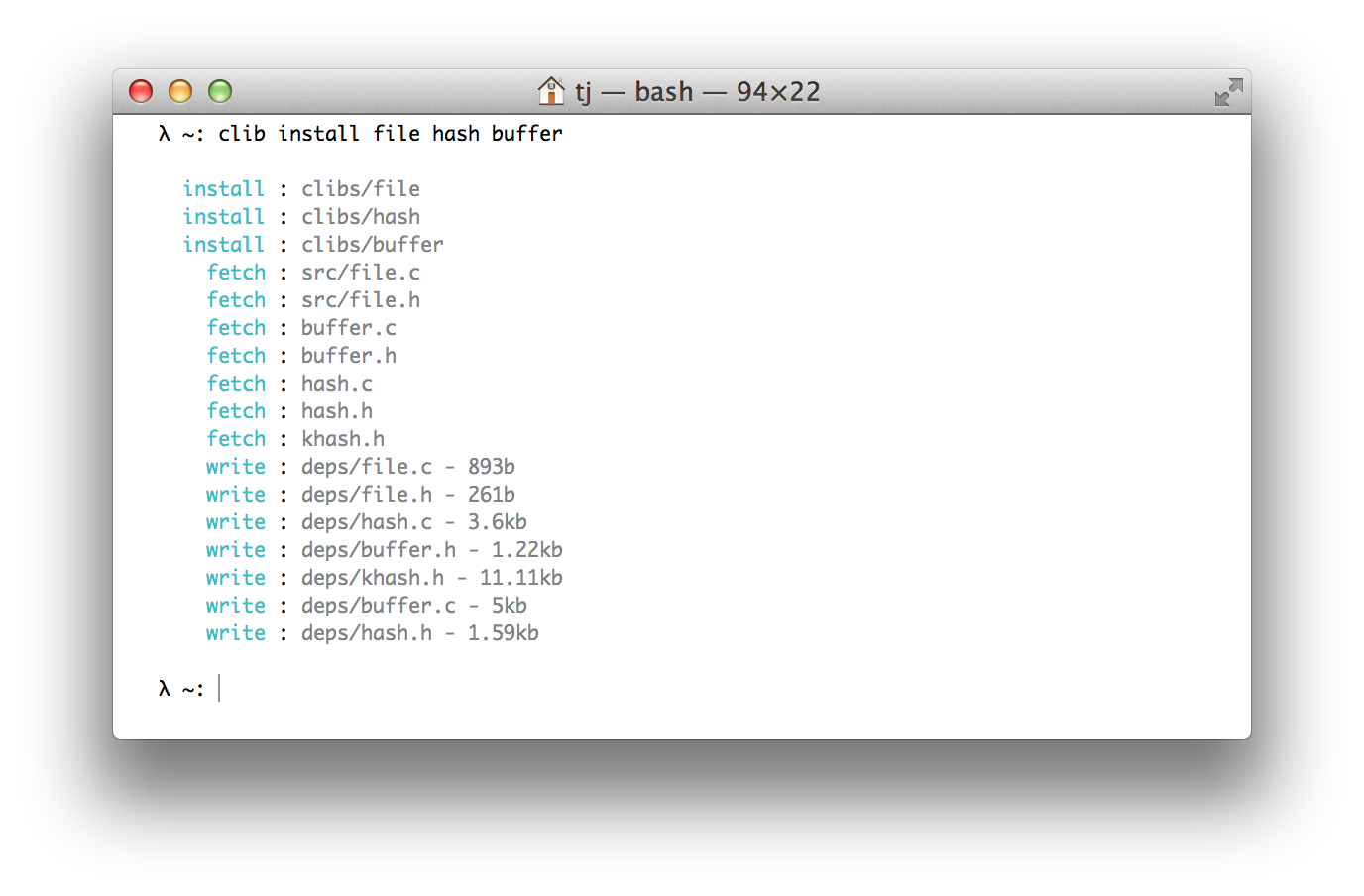\n\n## Installation\n\n Expects [libcurl](http://curl.haxx.se/libcurl/) to be installed and linkable.\n\n With [homebrew](https://github.com/Homebrew/homebrew):\n\n```sh\n$ brew install clib\n```\n\n Or [MacPorts](https://www.macports.org):\n\n```sh\n$ sudo port selfupdate\n$ sudo port install clib\n```\n\n With git:\n\n```sh\n$ git clone https://github.com/clibs/clib.git /tmp/clib\n$ cd /tmp/clib\n$ make install\n```\n\n Ubuntu:\n\n```sh\n# install libcurl\n$ sudo apt-get install libcurl4-gnutls-dev -qq\n# clone\n$ git clone https://github.com/clibs/clib.git /tmp/clib \u0026\u0026 cd /tmp/clib\n# build\n$ make\n# put on path\n$ sudo make install\n```\n\n Fedora:\n\n```sh\n# install libcurl\n$ sudo dnf install libcurl-devel\n# clone\n$ git clone https://github.com/clibs/clib.git /tmp/clib \u0026\u0026 cd /tmp/clib\n# build\n$ make\n# put on path\n$ sudo make install\n```\n\n Nix:\n\n```sh\n$ nix-env -i clib\n```\n\n Or add to your `nativeBuildInputs`.\n\n\n## About\n\n Basically the lazy-man\u0027s copy/paste promoting smaller C utilities, also\n serving as a nice way to discover these sort of libraries. From my experience\n C libraries are scattered all over the web and discovery is relatively poor. The footprint of these libraries is usually quite large and unfocused. The goal of `clibs` is to provide\n stand-alone \"micro\" C libraries for developers to quickly install without coupling\n to large frameworks.\n\n You should use `clib(1)` to fetch these files for you and check them into your repository, the end-user and contributors should not require having `clib(1)` installed. This allows `clib(",
"github_repo": "clibs/clib",
"github_stars": 5136,
"github_topics": [
"c",
"clib",
"manager",
"package"
],
"homepage": "https://github.com/clibs/clib",
"homepage_og_description": null,
"homepage_og_image": null,
"homepage_title": null,
"installs_30d": 4,
"installs_365d": 119,
"installs_90d": 17,
"keg_only": 0,
"keg_only_reason": null,
"last_seen": "2026-06-20T23:34:18+00:00",
"license": "MIT",
"llm_generated_at": null,
"llm_model": null,
"name": "clib",
"oldnames": [],
"one_liner": null,
"optional_dependencies": [],
"rank_30d": 11086,
"rank_365d": 8728,
"rank_90d": 10182,
"raw_hash": "6310e500fe8029de",
"recommended_dependencies": [],
"revision": 0,
"ruby_source_path": "Formula/c/clib.rb",
"tap": "homebrew/core",
"test_dependencies": [],
"uses_from_macos": [
"curl"
],
"version_head": "HEAD",
"version_stable": "2.8.7",
"versioned_formulae": [],
"why_use_this": null
}